Built in-house

Air Fill
Airtable forms, rebuilt for iPhone.
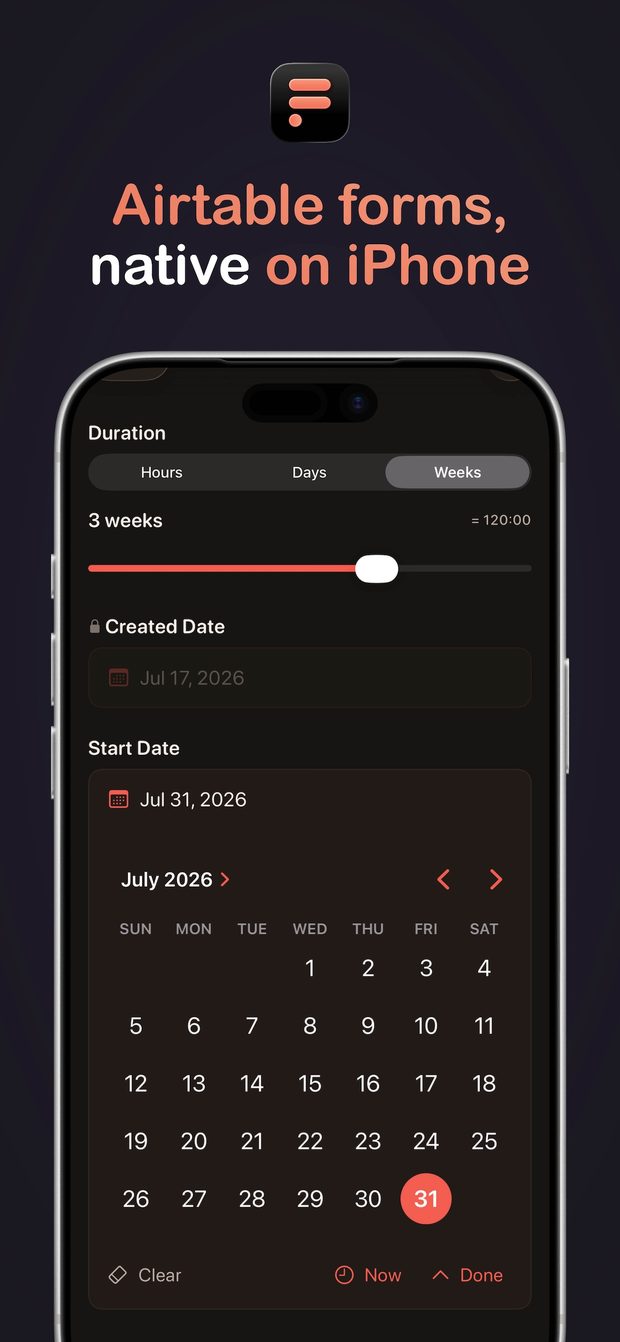
A native iOS app for Airtable forms. Build a form right on your phone, fill it in a few taps even when you are offline, and every answer writes straight back to your base.

- Platform iPhone · iOS 17 or later
- Price Free to use. Pro is $4.99 a month or $39.99 a year, with a 14-day trial.
- Suite Part of Air Pack, a small suite of Airtable tools.
Where it came from.
Knock Knock Bang is a consulting practice. We sharpen the brand, build the website, and wire the systems that carry both. On the systems side, one tool shows up more than any other: Airtable is where the schedule lives, where the intake lands, where inventory is counted, where the business is actually run.
Which means we spend a lot of time at the edge of what Airtable forms can do. A crew in a basement with one bar of signal. An operator who needs to correct a record instead of creating a fifth copy of it. An intake that has to end in a signature. A form that should ask its next question based on the last answer.
For years we solved those one client at a time, as custom builds inside individual engagements. Air Fill is that work generalized, hardened, and handed to anyone with an Airtable base. It is our first product for end users, and the clearest artifact we have of how the systems half of this practice thinks.
What it does.
-
Works offline
Every entry saves on the device and sends itself the moment the signal comes back.
-
Updates records
Pick an existing record, change what needs changing, and save. No fifth duplicate.
-
Captures signatures
Upgrade an attachment field to a signature and sign with a finger or an Apple Pencil.
-
Conditional fields
Nested all/any rules, so a field appears only when it actually applies.
-
Linked records
Search, filter, and create the records you link to, scoped to the ones that qualify.
-
Multi-table submits
One form creates a parent record and its linked children across tables in a single pass.
-
Inline choices
Add a new select option from inside the form, without opening the base.
-
Form Flows
Chain the forms an intake needs and run them in order as one guided session.
Seeing it.
Four more from the App Store listing. Drag sideways.
-
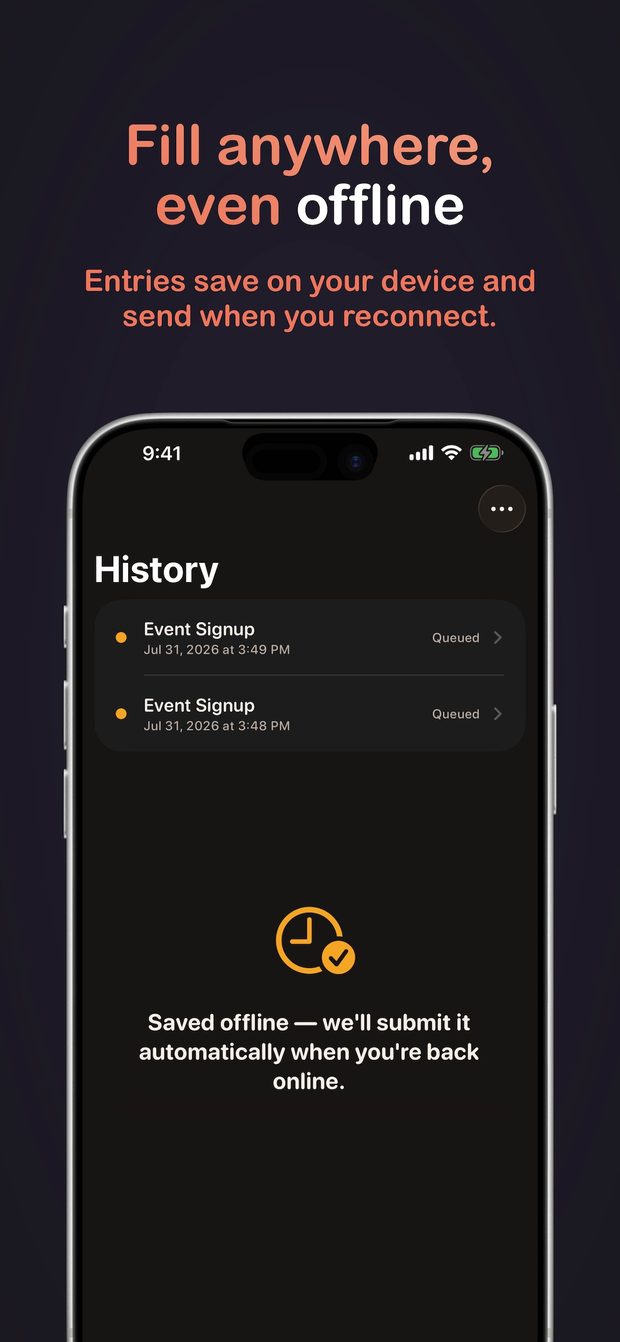
Entries queue on the device and send themselves when the signal returns. -
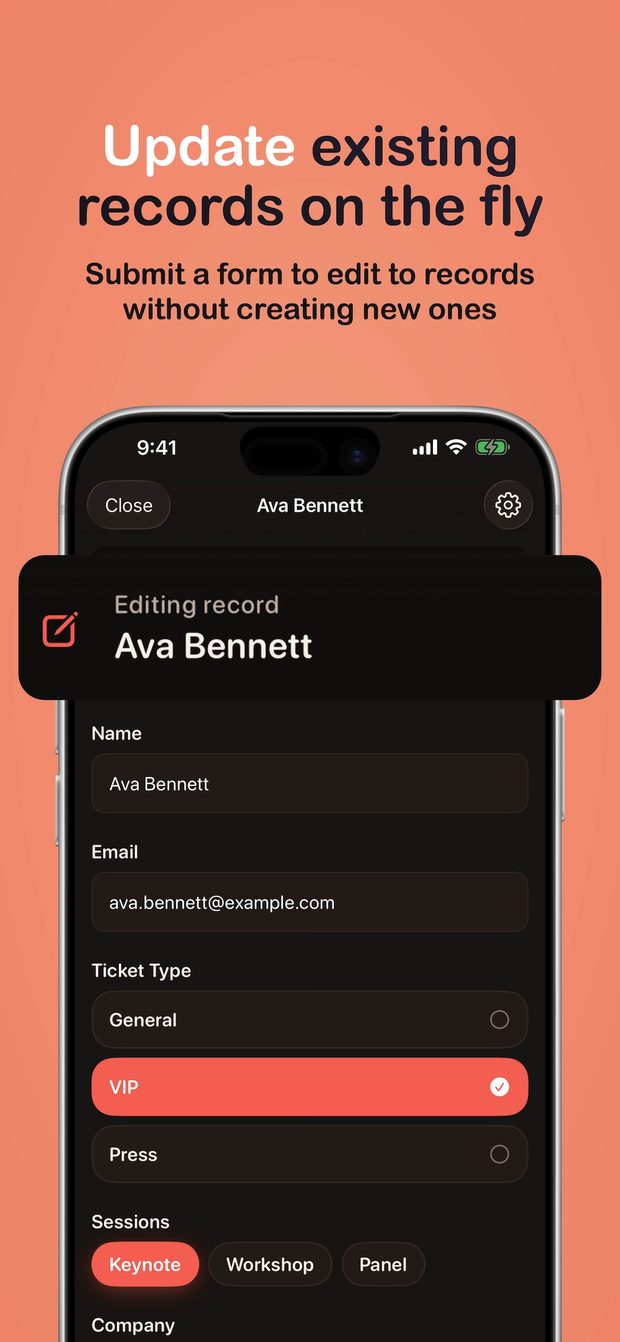
Open an existing record, change what needs changing, and save. -
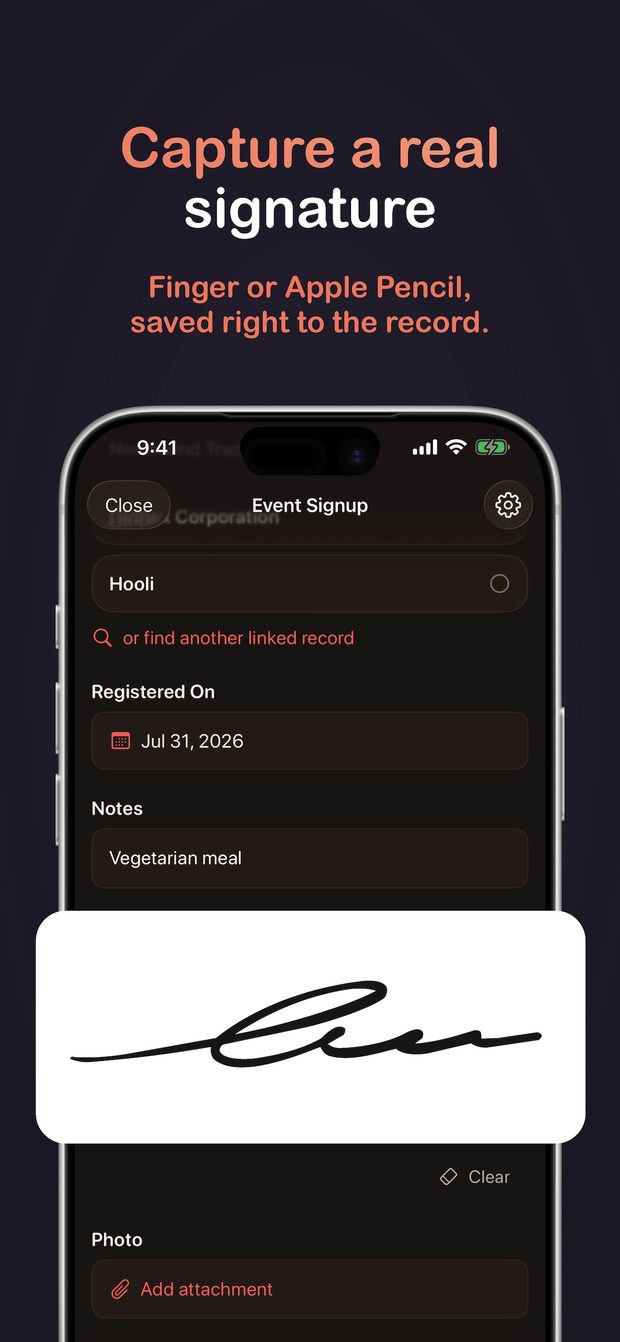
A signature drawn with a finger or an Apple Pencil, saved onto the record. -
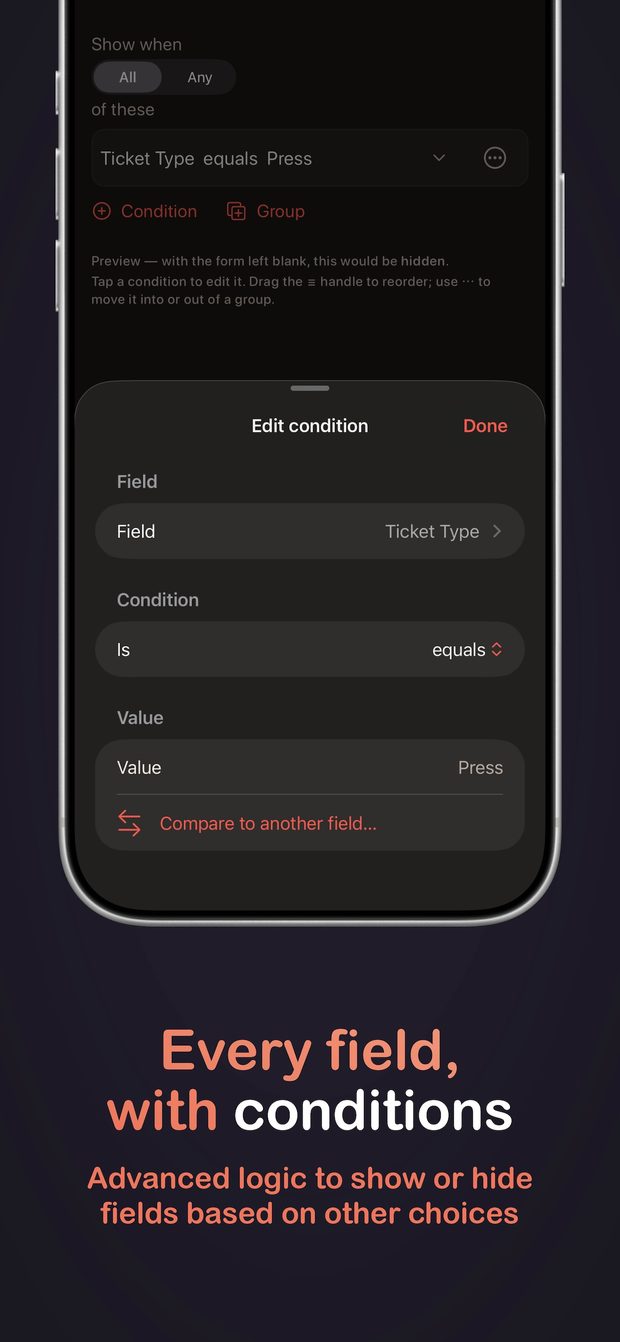
Nested all/any rules deciding which fields a person is shown.
The site, too.
The app is half of it. We designed and built the site that sells it, which is the more familiar half of what we do for clients.
- Stack
- WordPress, the same as effectively every site we build. We run our own product on the stack we hand clients.
- Structure
- The front page does most of the work, with custom post types behind it for the features and the frustrations people actually search for. The architecture follows search intent rather than a feature list.
- Interface
- Parts of the app's interface are rebuilt live on the page in HTML and CSS instead of sitting there as flat screenshots. The site demonstrates the thing it is selling.
The neatest part sits inside the app. Air Fill's own support form is an Air Fill form, so anyone filing a question is using the interface they build for themselves. The submission routes through Cloudflare into an internal Airtable base, which makes the product, the intake, and the operations behind it one tool doing three jobs.
The practice behind it.
Air Fill is the shipped, off-the-shelf version of two things we do inside engagements. If your operations run in one tool and your public-facing surfaces run in another, that is the first one. If the system your business needs has to be built from scratch, that is the second.
Two doors
Take the app, or bring us the harder version of it.
If Air Fill covers what you need, it is free to start and takes about a minute to point at a base. If your situation is bigger than a form, that is the conversation we have every week.